
Make sure you are in a well-lit environment so face tracking and
effects appear clearly. Natural light works best.
Ensure your face is fully visible within the camera frame. Avoid
covering your face with hands or objects.
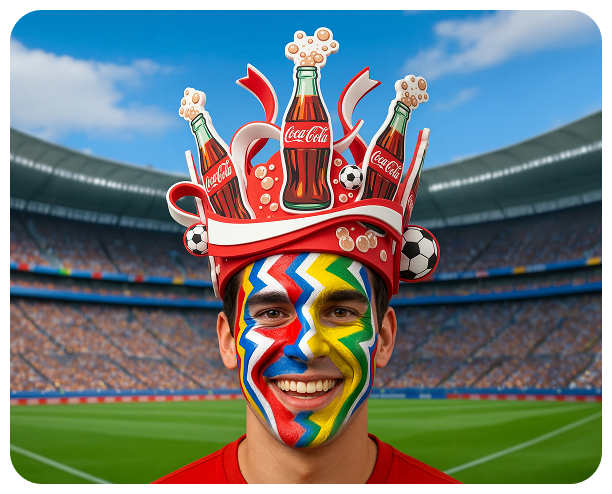
If face paint or hats are not appearing correctly, try moving slightly
closer or farther from the camera to help detection.
Avoid extreme backlighting or strong shadows, as this may interfere
with face tracking accuracy.
Use a stable position when taking your selfie. Excessive movement can
cause effects to lag or misalign.
If effects are not updating when selecting styles or colors, try
tapping again or switching between options to refresh.
Make sure camera permissions are enabled in your browser settings.
For best performance, use the latest version of your browser. On iOS,
Safari and Google Chrome are recommended.
If the camera feed freezes or lags, check your internet connection and
refresh the experience.
Browser compatibility isn’t guaranteed outside of Safari and Google
Chrome. Make sure you are using the latest version of iOS and your
browser.